
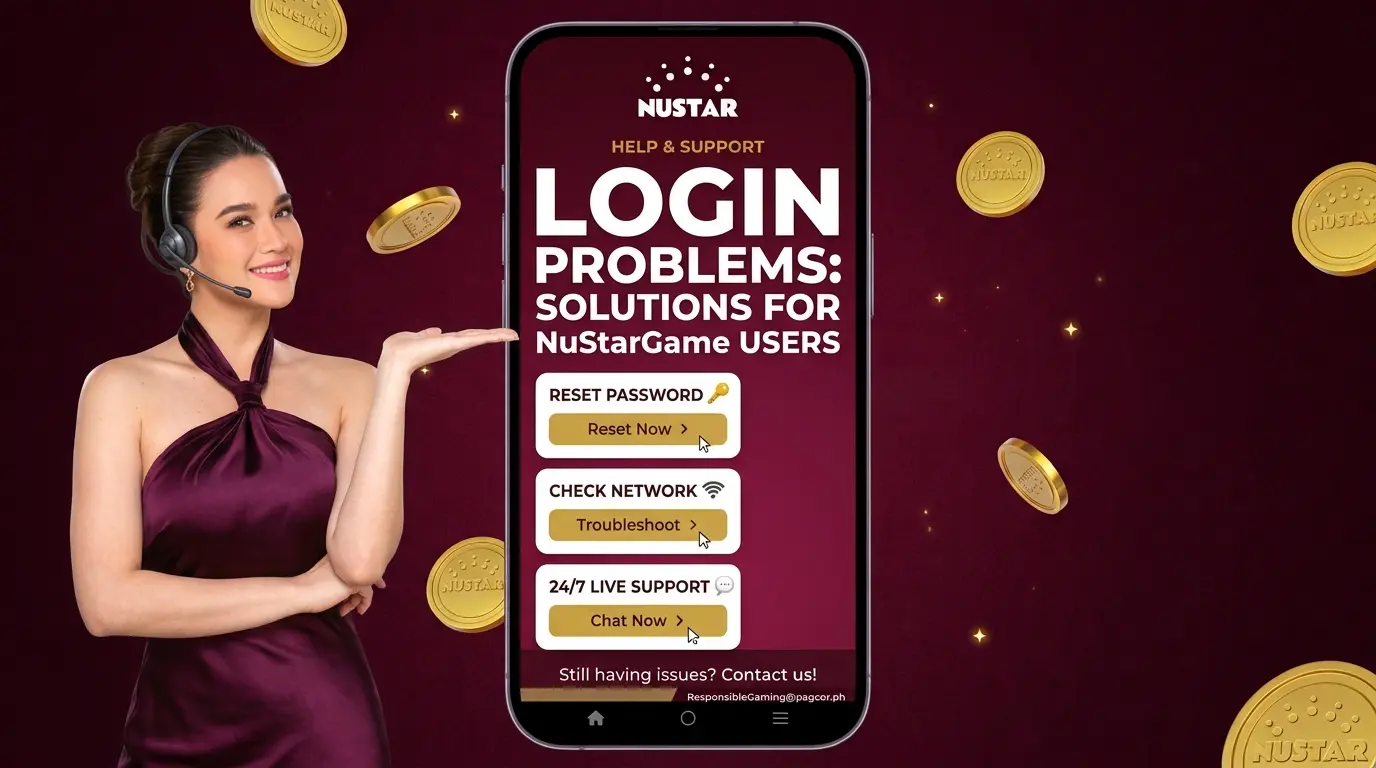
Login Problems can stop you from accessing your NuStarGame account. The cause may be a wrong password, incorrect account details, a weak connection, or a temporary page issue. We’ll cover the common issues and what you can do to fix them.
Common Login Problems on NuStarGame
The first step in handling Login Problems is finding the cause. Check the details you entered before trying other solutions.
Common causes include:
- Wrong username or account ID
- Incorrect password
- Poor internet connection
- Browser or page issues
- Temporary site problems
Start with the simplest checks. A small typing error can be enough to prevent you from signing in.
Check Your Account Details
Some Login Problems happen because the wrong account information was entered. Check your username, mobile number, account ID, and password carefully.
Pay attention to capital letters and numbers in your password. If you copied your details from a saved note, check that no extra spaces were added.
Use the account details linked to your NuStarGame account. Do not use information from another account.
Fix a Login Error
A login error may appear when your details are not accepted or the page cannot process your request. Read the message shown on the screen before taking further action.
If you see an error, check your account information first. Then make sure your internet connection is stable and try again from the current NuStarGame login page.
Avoid submitting the same information repeatedly if the page does not respond.
Check Your Internet Connection
A weak connection can cause Login Problems even when your account details are correct. Check whether other websites or pages load normally.
If your connection is unstable, reconnect to your network and try again once it is working properly.
You can also close the NuStarGame page and open it again. Give the page enough time to load before entering your account information.
Try a Different Browser
Browser issues can sometimes affect account access. If the NuStarGame login page does not work as expected, try opening it in another trusted browser.
Make sure your browser is updated and working normally. You can also close extra tabs or restart the browser before trying again.
Do not enter your password on an unfamiliar page just because it looks similar to the NuStarGame login page.
When Your Password Does Not Work
Incorrect passwords are a common cause of Login Problems. Check your password carefully before trying again.
If you have forgotten your password, use the proper password recovery or reset option instead of guessing repeatedly.
Once you reset your password, use the new one when you sign in. Keep it private and avoid sharing it with anyone.
If you cannot remember your password, visit the NuStarGame Register page to review the account setup information and check which account details you used.
When the Sign In Page Will Not Load
Some Login Problems are related to the page itself. If the login form does not load, refresh the page and check your internet connection.
If the problem remains, wait and try again later. A temporary site issue may affect account access and may not be something you can fix from your device.
Check the current NuStarGame site for any available notices or support options.
Check Your Device
Your device can also affect the login process. Make sure your phone or computer has a stable connection and that your browser is working properly.
Close unnecessary apps or browser tabs if your device is having trouble loading pages.
If you are using a shared device, avoid saving your NuStarGame password in the browser. Always sign out after using an account on a device that other people can access.
Keep your browser updated and avoid entering account details on unfamiliar pages. Microsoft’s online security guidance explains common online threats and ways to reduce security risks.
When to Contact NuStarGame Support
If Login Problems continue after you check your details, connection, browser, and device, use the support option provided by NuStarGame.
Tell support what happens when you try to sign in. If an error message appears, provide the exact message when asked.
Never send your full password to support or to anyone claiming they can fix your account.
Avoid Repeated Login Attempts
Repeated failed attempts can make account access harder. If your details do not work, stop and check the cause instead of entering random passwords.
Use the proper recovery option if you cannot remember your password. If the page itself is not working, check your connection and try again later.
The best way to handle Login Problems is to check your account details first, then rule out connection, browser, device, and page issues. If the issue remains, use the official NuStarGame support channel for help.